Title blocks and files
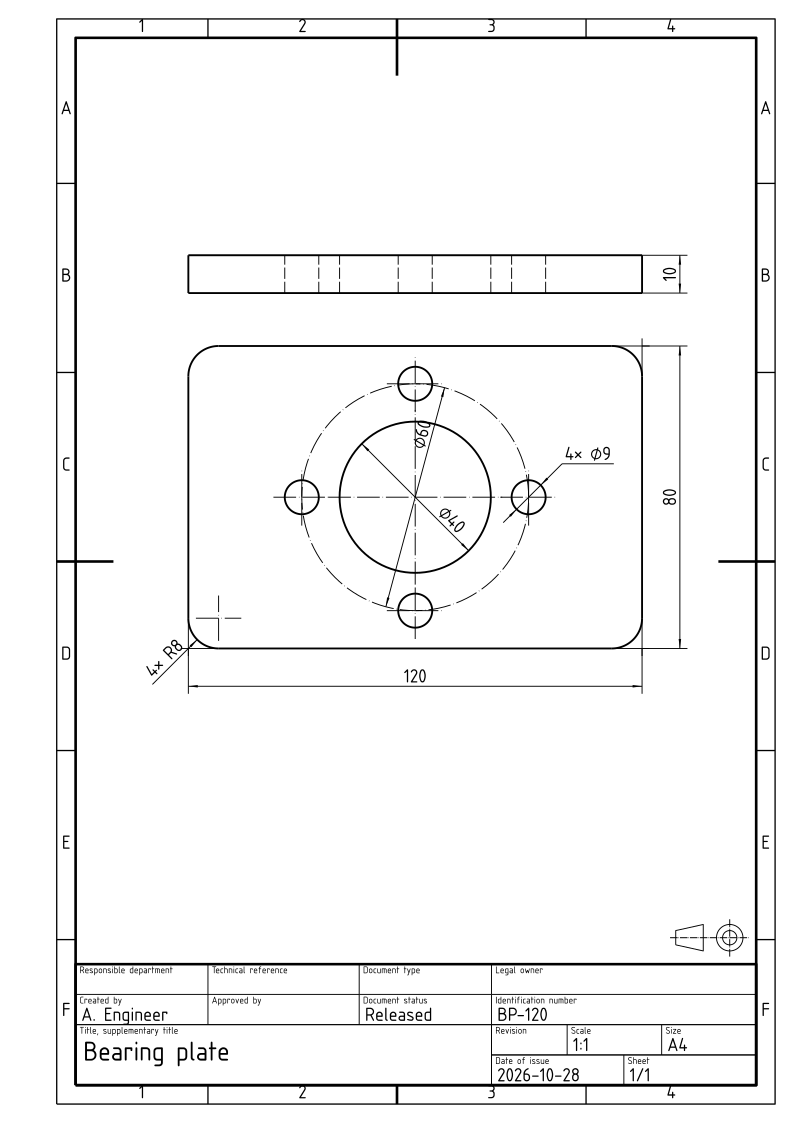
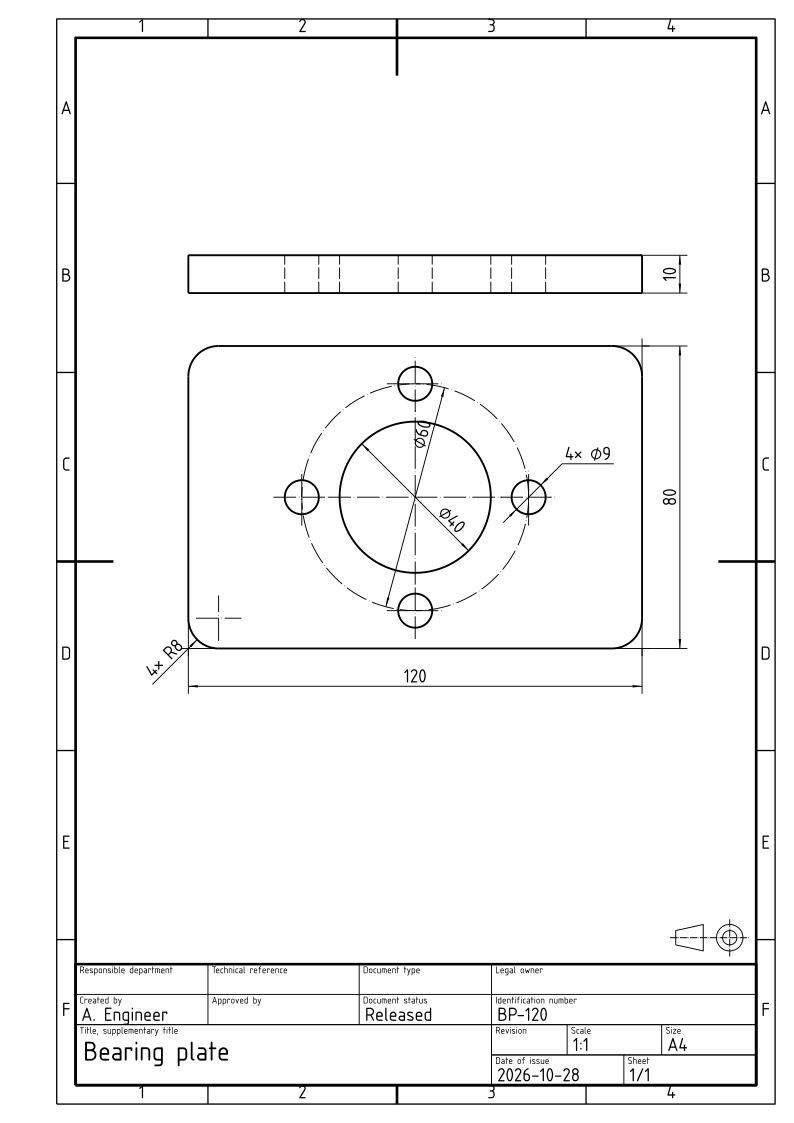
A sheet for the workshop carries a frame and a title block. px.Sheet(..., frame=True) draws the frame: the border, the filing margin on the left, the centering marks and the grid reference zones. sheet.Title(...) adds a title block in the lower right corner and fills in its fields. A sheet is written in three formats: SVG, PDF at true scale, and DXF with real dimension entities.
[1]:
import planex as px
The title block
The default title block has these fields: the owner, the title and subtitle, the drawing number and revision, the date, the sheet, the scale, the size, the document’s type and status, the department, a reference, the author and the approver. planex2d fills the fields the call leaves out where it can, which are the scale, the sheet’s size, today’s date and the sheet number. A keyword that is no field raises and names the fields there are:
[3]:
sheet = px.Sheet(front, top, frame=True)
sheet.Title(title="Bearing plate", number="BP-120", author="A. Engineer", status="Released")
sheet
[3]:
A company’s title block
A company’s title block can be a DXF file whose attribute definitions are its fields. sheet.Title("company.dxf", ...) fills each field by its tag, in upper or lower case alike.
Files
WriteSVG and WritePDF write the sheet at true scale; the PDF is one page the size of the sheet, with the lettering embedded, and prints 1:1 at 100 %. WriteDXF writes the views at true size in millimeters, with dimension entities that a CAD program shows as dimensions and can edit, and the title block as a block with its attributes filled in. Read back with ezdxf, the DXF holds one dimension entity per dimension of the two views, 7 for the six of the top view and the thickness in the
front view:
[4]:
sheet.WriteSVG("bearing_plate.svg")
sheet.WritePDF("bearing_plate.pdf")
sheet.WriteDXF("bearing_plate.dxf")

import ezdxf
doc = ezdxf.readfile("bearing_plate.dxf")
print(len(doc.modelspace().query("DIMENSION")), "dimension entities")
7 dimension entities
The sheet as files: bearing_plate.pdf, bearing_plate.svg, bearing_plate.dxf