Small edges
Edges shorter than a tolerance are removed, and their two ends meet in the middle. Splines are kept.
[1]:
import planex as px
A step of 10⁻⁵
The example is an outline 2 × 1 with a step of 10⁻⁵ in its bottom (Figure 1a). Magnified there, the tiny edge runs between the two marked vertices (Figure 1b). SmallEdges lists the edges shorter than a given length:
[3]:
outline = [(0, 0), (1, 0), (1, 1e-5), (2, 1e-5), (2, 1), (0, 1)]
face = px.Face([px.FromPolyline(outline, closed=True)])
print(face.SmallEdges(1e-4))
[1]
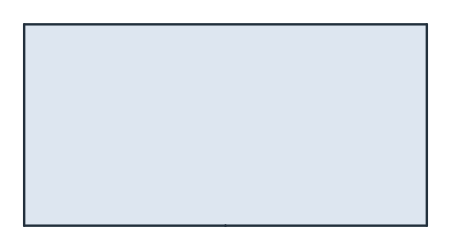
(a) The outline
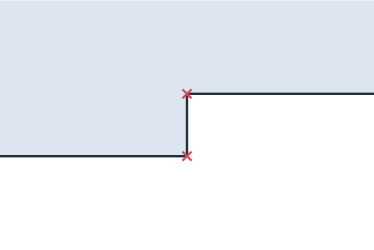
(b) Magnified at (1, 0)
Once the step is removed, its two ends meet in one vertex, marked in the same view (Figure 2):
[5]:
face.RemoveSmallEdges(1e-4)
print(len(face.edges), face.SmallEdges(1e-4))
5 []
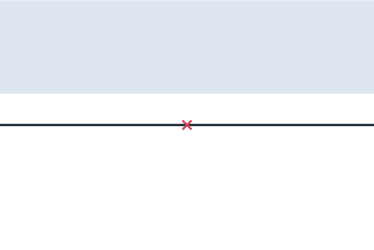
On export
The exports take remove_edges_smaller for the same step. The example exports the outline with its step, once with the default and once with a tolerance of 10⁻⁴:
[7]:
raw = px.Face([px.FromPolyline(outline, closed=True)])
print(len(raw.ToOCCShape().edges), len(raw.ToOCCShape(remove_edges_smaller=1e-4).edges))
6 5