Booleans
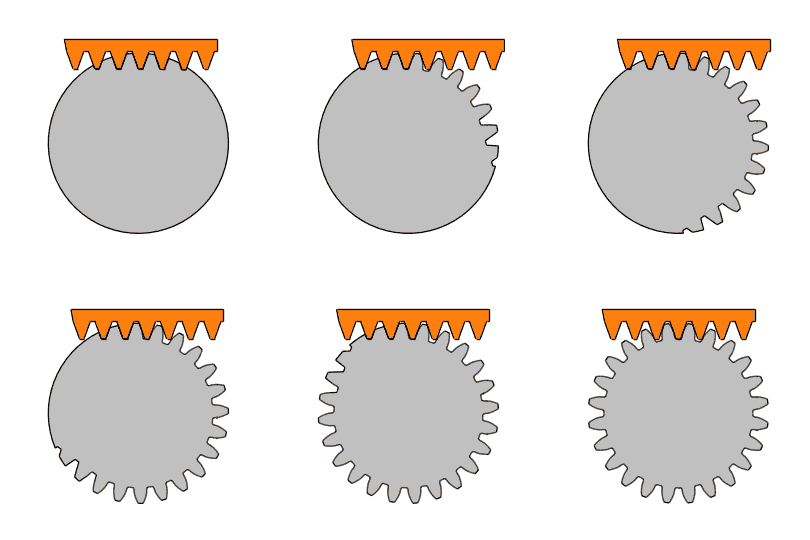 Example A gear cut by its rack: one subtraction per position


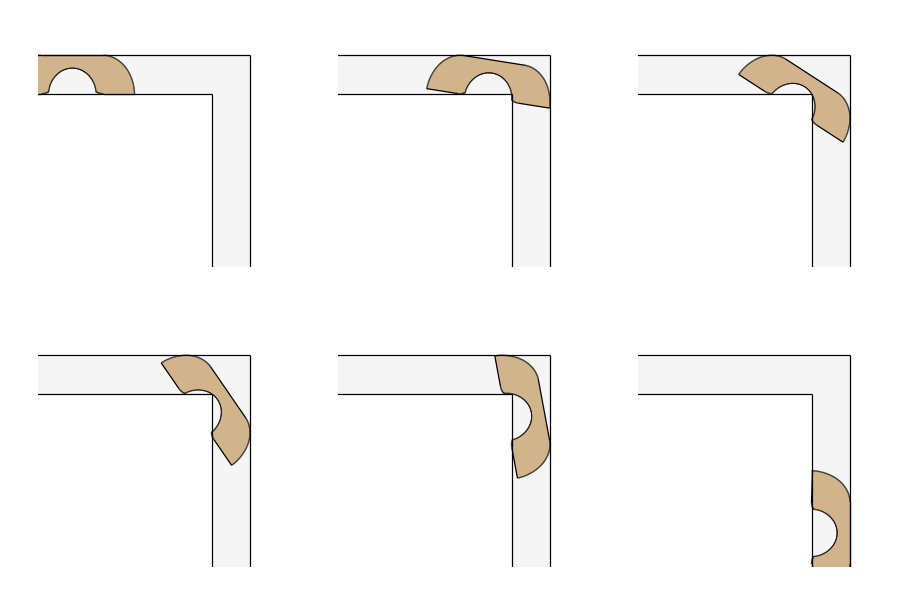 Example The moving sofa as one intersection
Faces combine with + (union), - (difference) and * (intersection), and lists of faces with px.Unify, px.Subtract and px.Intersect, which run on all cores. Every edge is cut where it meets an edge of the other operand. After that, each piece lies wholly inside, wholly outside or on the boundary of the other operand, so one test at its midpoint decides whether it stays. Where edges meet, they share one bit-exact vertex, so no gap remains between them, and the areas agree
with their formulas up to rounding. Lines, arcs and full circles stay exact, and the result is a shape of clean faces, ready for the next operation.
px.Glue keeps the parts as regions that share their common edges, which is what a mesher needs for several materials. See Faces, shapes and compounds for gluing faces. Split and Trim cut faces and wires along any curve.
In this section


Everything at a glance
Two faces |
|
Many faces |
|
Wires |
|
Glue |
|
Splitting |
|