Fitting splines
Chains of short edges that are not arcs, such as tessellated ellipses or free-form outlines, become B-splines. The fit is an approximation by least squares, not an interpolation. The B-spline runs through the two ends of the chain but does not have to pass through the points between them, so it smooths over the small kinks at the vertices instead of bending sharply at each of them. As with arcs, every fit is checked against the edges it replaces. It is rejected if it strays from them by more than the tolerance, plus the allowance at bends, or if it leaves or arrives in a different direction than the chain. Fitted splines are meant for export, so run Boolean operations first and simplify last.
[1]:
import math
import random
import planex as px
An ellipse from 128 segments
The example is an ellipse with half axes 2 and 1, tessellated into 128 lines, with its vertices moved off it by up to 2·10⁻⁵ at random (Figure 1a). It becomes B-splines, whose ends are marked (Figure 1b).
[3]:
random.seed(1)
pts = []
for k in range(128):
    t = 2 * math.pi * k / 128
    s = 1 + random.uniform(-2e-5, 2e-5)
    pts.append((s * 2 * math.cos(t), s * math.sin(t)))
ellipse = px.Face([px.FromPolyline(pts, closed=True)])
smooth = ellipse.Simplified(fit_splines=dict(max_edge_length=0.2, tol=1e-4))
print([type(e.edge).__name__ for e in smooth.edges])
['SplineEdge', 'SplineEdge']
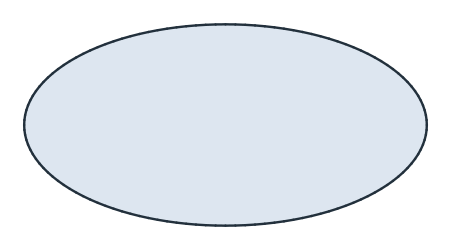
(a) 128 edges
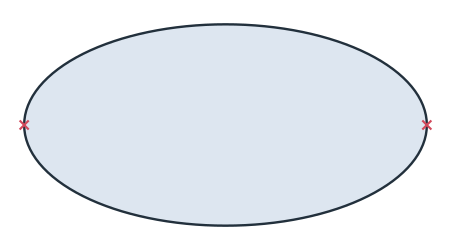
(b) 2 splines
planex2d measures a fitted spline on the chain it replaced, so its area does not change. The exported B-spline is the smooth curve and comes closer to the ellipse’s area π a b:
[5]:
exact = 2 * math.pi
for name, area in {"segments": ellipse.mass, "splines": smooth.mass, "exported": smooth.ToOCCFace().mass}.items():
    print(name, "relative area error", (area - exact) / exact)
segments relative area error -0.000401521475626761
splines relative area error -0.0004015214756269024
exported relative area error -1.7651805034993964e-06
Arcs first
With both fits enabled, arcs are fitted first, and splines take what is left:
[6]:
options = dict(max_edge_length=0.2, tol=1e-4)
both = ellipse.Simplified(fit_splines=options, fit_arcs=options)
print(sorted({type(e.edge).__name__ for e in both.edges}), len(both.edges))
['ArcEdge', 'LineEdge', 'SplineEdge'] 32