Tools
planex2d Online Tools
These free CAD and engineering tools run in your browser. View and convert DXF, SVG, STEP and BREP files, compute section properties and beams, check and repair contours, nest flat parts, draw gears and cams, and analyze flat parts with finite elements for their stresses, natural frequencies and temperatures. Each tool runs the planex2d geometry library with Python in the browser tab, and your files stay on your computer.
The stress analysis, the plate frequencies, the heat transfer and the torsion values of section properties solve finite element models in the same tab, with netgen for the mesh and NGSolve for the solution. The playground adds OpenCASCADE for 3D solids.
- Runs in your browser
- Nothing is uploaded
- Built on the planex2d library
Tools on planex2d.org
The file tools work on drawings and sections, the calculators and solvers on beams, stresses, vibrations and heat, the generators on gears and cams, and the playground runs your own code.
-
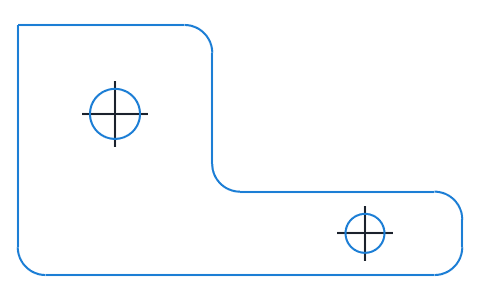
Viewer
DXF, SVG, planar STEP and BREP files shown layer by layer, with the exact lines, arcs and splines that planex2d reads.
-
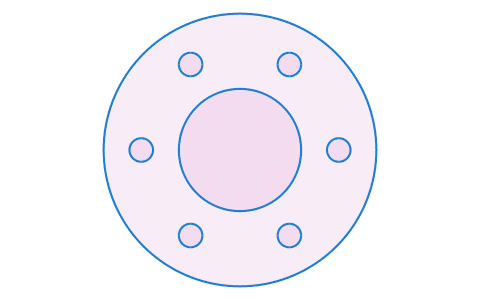
Converters
DXF, SVG, STEP and BREP files converted into one another or into PDF and PNG, many at once and at true size, with arcs and circles kept exact.
-
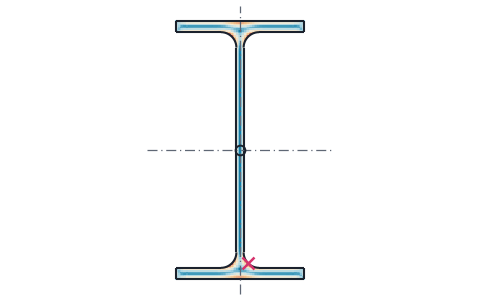
Section properties
Area, centroid, second moments and section moduli of any drawn or standard section, the mass of a sheet part, and the torsion constant and shear center from a finite element solve.
-
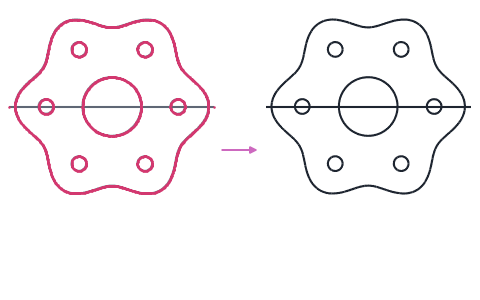
Contour checker
Open contours, gaps, doubled lines and tiny edges found in DXF, SVG and STEP drawings and repaired, with arcs fitted to tessellated outlines.
-
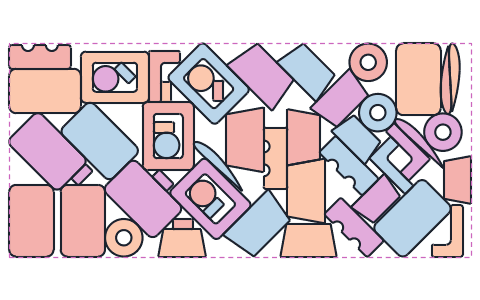
Nesting
Plies and flat parts placed on a roll for the shortest used length, each turned only as its fiber direction allows, with the layout as DXF and PDF.
-
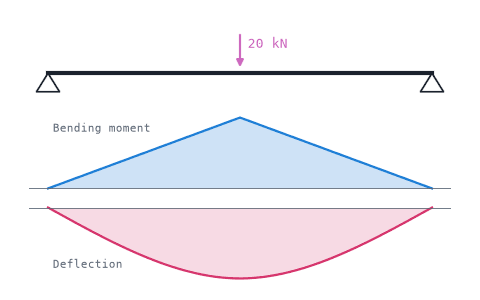
Beam calculator
Shear force, bending moment, deflection and bending stress of beams on several supports, for standard profiles or sections from DXF or STEP files, with a PDF report.
-
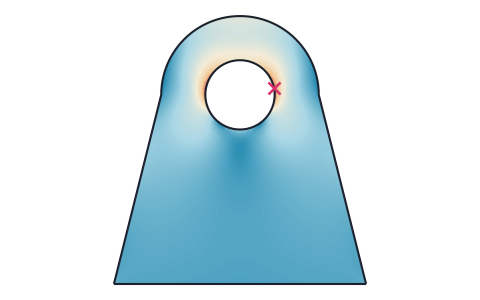
Stress analysis
Finite element stress analysis of flat parts from DXF, SVG or STEP files, with supports and loads by edge and hole number, the von Mises and principal stresses, the deformed shape and a safety factor.
-
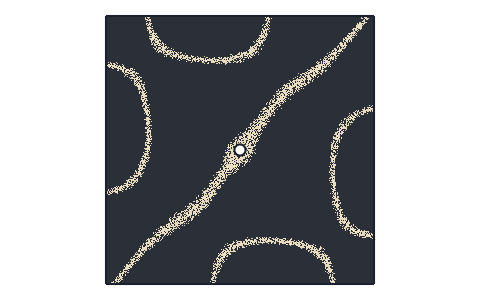
Plate frequencies
Natural frequencies and mode shapes of flat plates from DXF, SVG, STEP or KiCad files, with each edge free, clamped or simply supported, and their Chladni figures.
-
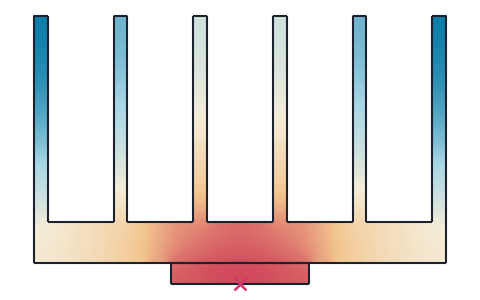
Heat transfer
Steady and transient 2D heat transfer of profiles, heat sinks and plates from DXF, SVG or STEP files, with several materials, convection, radiation and contact resistances, and the thermal resistance.
-
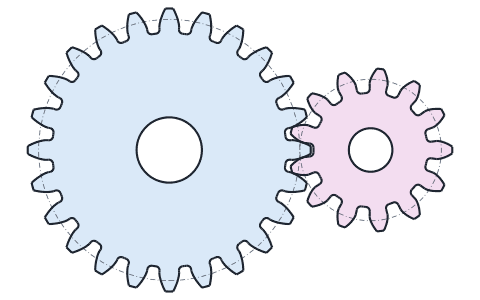
Gear generator
Involute spur gears, racks and ring gears from their module and number of teeth, with fillets, bores and keyways, saved as DXF, STEP, PDF and CSV.
-
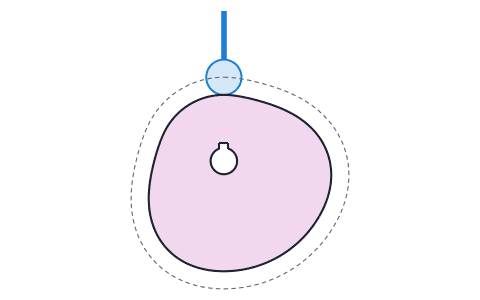
Cam profile generator
Disc cams for roller followers from their rises, dwells and returns, with the pressure angle and undercut checked, saved as DXF, STEP, PDF and CSV.
-
Playground
planex2d code in the browser, with OpenCASCADE for 3D solids and netgen and NGSolve for finite elements, shared as a link that carries the code.
One library, in your browser
Every tool here is a small program on planex2d, the same library that runs in Python scripts, notebooks and simulation workflows.
The tools run planex2d, the package that pip install planex2d installs, compiled to WebAssembly and loaded with Pyodide/ngapp. A file opened in a tool is read on your computer and never uploaded. The tools need no account and no installation, and they are free to use.
Exact geometry
planex2d keeps lines, arcs and circles exact instead of breaking them into many short segments. An area, a centroid or a gear flank is computed from the true curves. A DXF or STEP file that a tool writes keeps its arcs and circles as arcs and circles, and smooth curves such as a cam's outline as splines.
3D and finite elements
Several of the tools solve finite element models of what you draw. The stress analysis gives the stresses and the deformation of a flat part in plane stress, the plate frequencies the natural frequencies and mode shapes of a plate, and the heat transfer the temperatures in a profile or a plate, steady and over time. Section properties solves the torsion of a section for its torsion constant and shear center. Each loads netgen and NGSolve into its tab on the first solve, about 23 MB, which the browser keeps in its cache, and each checks its results against known answers in its tests.
The playground loads OpenCASCADE, netgen and NGSolve as well, on the first run that needs them. planex2d's faces become 3D solids with OpenCASCADE, netgen meshes them, and NGSolve solves finite element problems on the meshes, such as heat conduction, elasticity and electrostatics. The results show as interactive 3D views.
Many of the field and simulation examples in the documentation open in the playground and run there, from the heat sink to the thick-walled pipe. Large models run faster with the same code on your own machine.
The same results in Python
Most tools come down to a few lines of Python with planex2d, which run the same on your own machine, in a script, a notebook or a meshing and simulation workflow. The tool pages show these lines where they can, the playground runs such code in the browser and shares it as a link, and the documentation covers the library, with examples checked against formulas and measured properties.
Files in, files out
The tools read DXF, SVG, STEP and BREP files. Depending on the tool, they write DXF, SVG, STEP and BREP files, PDF drawings and reports, PNG images or CSV tables. Each tool page explains what the tool does and how.